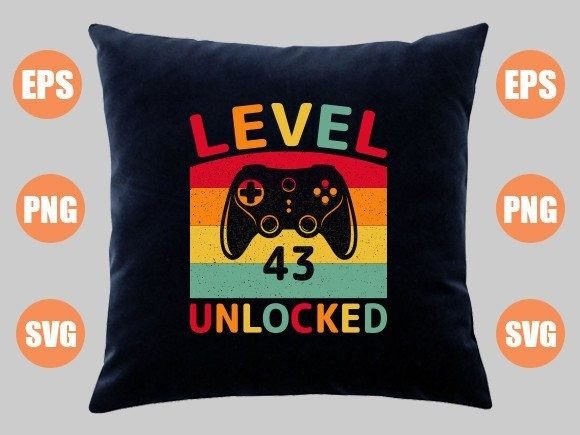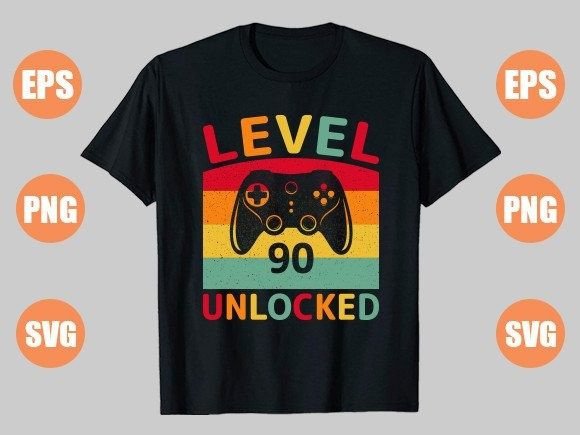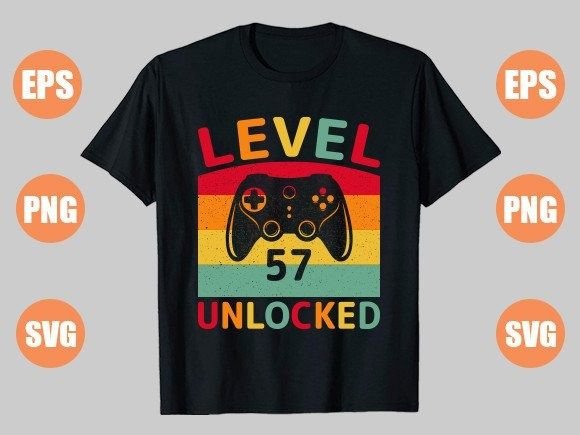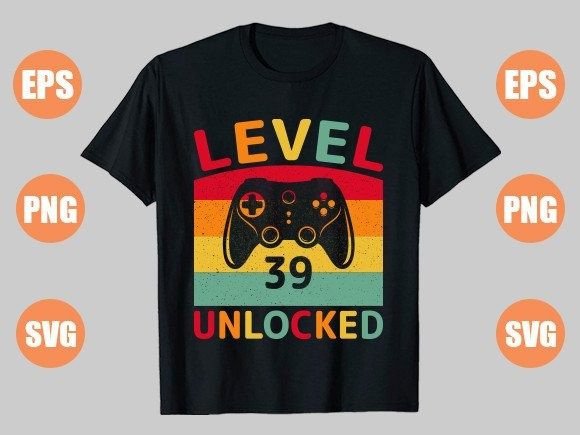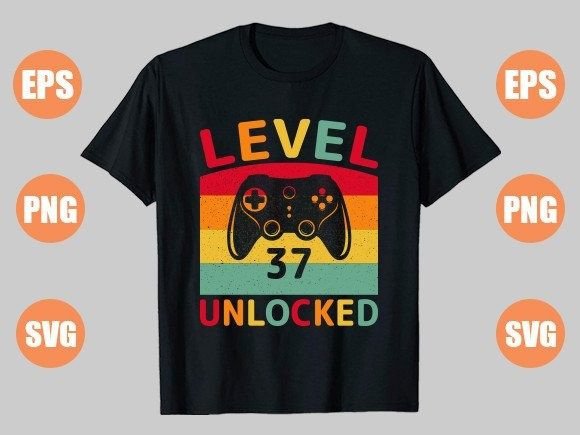
Level 37 Unlocked: Celebrating Achievement with a Gaming T-Shirt Design
The journey through a game is often a personal saga of challenges, strategy, and eventual triumph. Reaching a significant milestone, like unlocking Level 37, isn't just a number on a screen—it's a moment of earned pride. This achievement deserves to be celebrated and shared, not just in digital spaces but in the tangible world. The Level 37 Unlocked t-shirt design captures this spirit perfectly, transforming a gaming accomplishment into a wearable piece of personal expression.
For creators, entrepreneurs, and hobbyists looking to bring this design to life, the provided digital file pack is a powerful starting point. It includes versatile formats like EPS, SVG, and a high-resolution PNG, all compressed into a single ZIP file. This versatility is key, but navigating the process from download to a finished product on a shirt, mug, or pillow involves several nuanced steps. A few common misunderstandings can lead to frustration, wasted materials, or a final product that doesn’t reflect the quality of the original design.
Mistake 1: Assuming All File Formats Are the Same
A crucial oversight many beginners make is treating the different file types in the download as interchangeable. The package contains an EPS file, an SVG file, and a PNG. Each has a distinct purpose.
The EPS and SVG files are vector formats. This means the design is built from mathematical paths and points, not pixels. You can scale these files up to the size of a billboard or down to a lapel pin without any loss of quality or sharpness. They are essential for professional cutting machines used in vinyl or laser applications and provide the cleanest lines for sublimation when enlarged.
The PNG file is a raster format. While it's provided at a generous 4500×5400 resolution at 300 dpi, it is still a fixed image made of pixels. Scaling it significantly beyond its intended size will result in blurry edges and pixelation.
The practical effect: Using the PNG for a large-format project like a big poster, when the vector SVG or EPS was available, yields a low-quality print. Conversely, trying to use a vector file in a simple software that only accepts PNGs/JPGs might not work at all.
Better approach: Before starting your project, identify the requirements of your printing method or software. For sublimation transfers and most professional print setups, use the SVG or EPS files. For quick, simple edits in basic image editors where you won’t change the size, the high-res PNG is perfectly suitable. Always have the ZIP archive extracted and all three files accessible so you can choose the right tool for the job.
Mistake 2: Improper File Extraction and Organization
The instruction to use WinZIP, WinRAR, or simply double-click to extract is straightforward, yet this step is often rushed. The downloaded file is a ZIP archive, a compressed container. Not properly extracting it means you’re trying to work with a file your software cannot recognize.
A more subtle error happens after extraction: file disorganization. You might extract the ZIP into a cluttered folder and then struggle to find the specific SVG file later, or you might accidentally move only the PNG and lose the vectors. In the rush of a creative project, this leads to unnecessary delays and confusion.
Practical advice: When you download the Level 37 Unlocked design file, immediately create a dedicated folder on your computer. Name it clearly, e.g., “Level37_Design_Pack.” Then, extract the entire ZIP file directly into this folder. Most operating systems allow a simple right-click and “Extract All” option. This one-minute habit ensures all assets—EPS, SVG, PNG—are together, easily found, and ready for use. It’s a small step that dramatically improves workflow efficiency.
Mistake 3: Not Verifying Design Dimensions Before Print
Even with the correct vector file loaded into your design software, a common professional mistake is not double-checking the final dimensions against your blank product. The design might be created at a specific scale. For instance, it could be optimized for the center of a standard adult t-shirt. If you blindly print it onto a child’s shirt or a large coffee mug without adjusting the artwork size and placement, the result can look awkwardly proportioned or cropped.
Realistic example: You plan to put the Level 37 Unlocked design on a 11oz mug. The mug’s printable area is a tall, narrow rectangle. If you use the design as-is from the file, it might be too wide, forcing you to crop the sides or leaving unsightly blank spaces. This affects presentation and satisfaction.
What to check before pressing print: Always know the exact printable dimensions of your substrate—whether it’s a shirt, mug, or pillow. Import the design into your editing software (using the SVG for scalability) and adjust the artwork to fit those dimensions perfectly, ensuring key elements like the text and graphics are centered and visually balanced. Don’t assume the file is a one-size-fits-all template; it’s a high-quality foundation you need to tailor to your specific product.
Considering Your End Use Before Purchase
Before even downloading the design, take a moment to consider its end use. The description rightly lists sublimation, t-shirts, mugs, and pillows. This design, with its clean text and iconic “unlocked” symbolism, has broad appeal.
Think about your audience: Is this for a friend who actually hit Level 37 in their favorite game? Is it for a general gaming enthusiast who appreciates the metaphor of progress? Or is it for a small business aiming to sell to the gaming community? The versatility of the file pack supports all these, but your application method will differ. Sublimation offers vibrant, all-over prints for polyester-based products, while the PNG might be used for direct-to-garment printing on cotton. Understanding your own production capabilities or the services of your chosen printer will guide you to use the correct file and prepare it appropriately.
Choosing and using the Level 37 Unlocked design effectively boils down to respecting the details of digital assets. By recognizing the distinct roles of vector and raster files, by organizing your workspace from the moment you extract the ZIP, and by meticulously matching the design to your product’s dimensions, you transform a great digital concept into an even better physical reality. This approach honors the achievement the design represents—a careful, skilled process leading to a flawless final result. Whether you’re creating a gift for a family member, stock for your online store, or a personal trophy for your own gaming wins, these mindful steps ensure your finished product is something you’re proud to unlock and wear.